Ever since Apple introduced it, it was a kind of problem as this app prevents you from activating the device if you buy it from a foreign country and you don't have the foreign SIM CARD, therefore, a bunch of methods to overcome this app were created during its life.
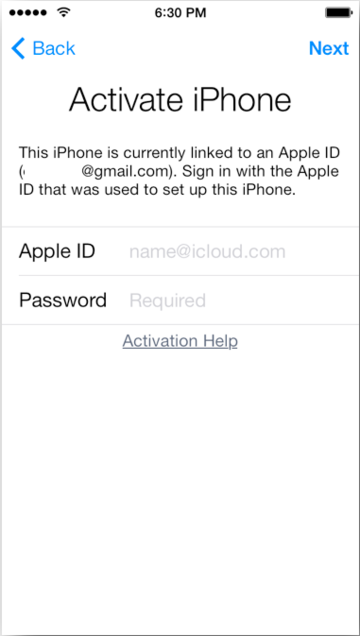
- The Emoji Keys: Originally posted on YouTube, consists in flooding DNS / WiFi name fields with literally thousands of emojis. The Setup.app will crash rebooting the phone or going to /System/Library/CoreServices/SpringBoard.app. Apple has patched that method in iOS 9.2
- Button stressing: Consists in stressing out the Next> and <Back buttons in the same time until the app crashes. This behavior has been fixed in iOS 9.0
- Removing the app entirely: On A4 devices, due to their compatibility to limera1n (therefore the compatibility with @msftguy's SSH RD TOOL), you can SSH in DFU Mode to have access to the File System. Removing the app from /mnt1/Applications folder will redirect to /System/Library/CoreServices/SpringBoard.app.
- Creating Custom-made firmware (CFW) with patched Setup.app: If you patch the application or anyway invalidate it, AMFI will not open it anymore thus redirecting to the Home Screen (/System/Library/CoreServices/SpringBoard.app). There are multiple ways you can patch the Mach-O app. This method still works.